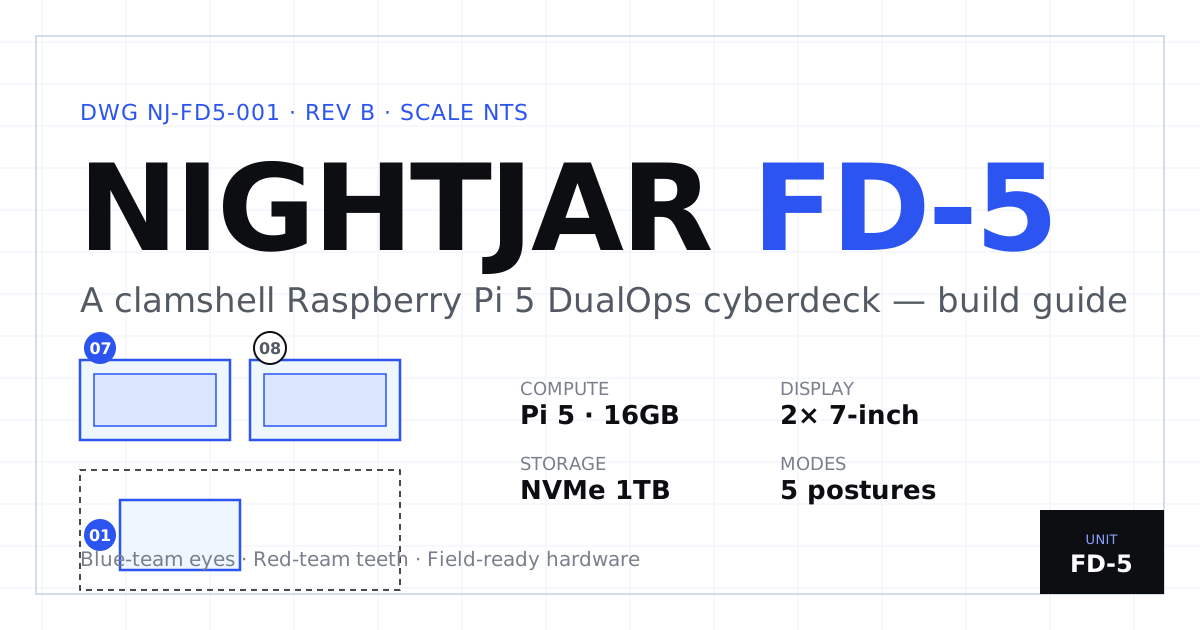
NIGHTJAR FD-5: Build a Raspberry Pi 5 Cyberdeck, Step by Step
Most “build a cyberdeck” guides are a parts list and a photo gallery. The NIGHTJAR FD-5 is the opposite — a field-ready clamshell deck documented as an interactive service manual you work through panel by panel, from bare board to commissioned unit.
Launch the interactive build console →
What it is
The NIGHTJAR FD-5 is a clamshell Raspberry Pi 5 (16GB) “DualOps” cyberdeck — built for authorized blue-team and red-team work inside owned or explicitly-permitted environments. The headline hardware:
| Subsystem | Spec |
|---|---|
| Compute | Raspberry Pi 5 · 16GB |
| Storage | 1TB NVMe spine |
| Displays | 2× 7-inch |
| Power | 3 split rails |
| Network | 3 lanes |
| Modes | 5 operating postures |
The build, as a console — not a wall of text
Instead of scrolling a thousand words of instructions, the guide is a build bay you actually drive. You seat each part into an exploded engineering drawing, then move through the stages the way you’d assemble the real thing: wiring, the split power rails, the three network lanes, the operating profiles, then testing and final commissioning. The static field manual and an FAQ sit underneath for the detail, so the page works whether you want to click through it or read it straight.
Blue-team eyes, red-team teeth — used responsibly
The FD-5 is a dual-use deck: authorized cybersecurity education, lab validation, internal assessment, blue-team capture, red-team simulation, and field forensics — inside owned or explicitly-permitted environments, CTFs, training ranges, and cyber-range operations. Every target shown in the console is a fictional owned-lab asset. It is an operations deck, not an attack box.